Set the requirements.
Share roles, review agency submissions, coordinate interviews and keep decisions visible to the people responsible.
Connect hiring teams and recruitment agencies in one partner workspace. Shape the branding, workflows, automations, notifications and integrations around the way your organization hires.
Partners Bridge95 connects the client hiring desk with its approved agencies. Jobs, candidate submissions, interviews, document requests and feedback stay attached to the same recruitment process.
Share roles, review agency submissions, coordinate interviews and keep decisions visible to the people responsible.
Access assigned jobs and client portals, submit candidates, respond to document requests and follow progress in one place.
Review open jobs, pending decisions, scheduled interviews and outstanding requests through the Command Center and operational reports.
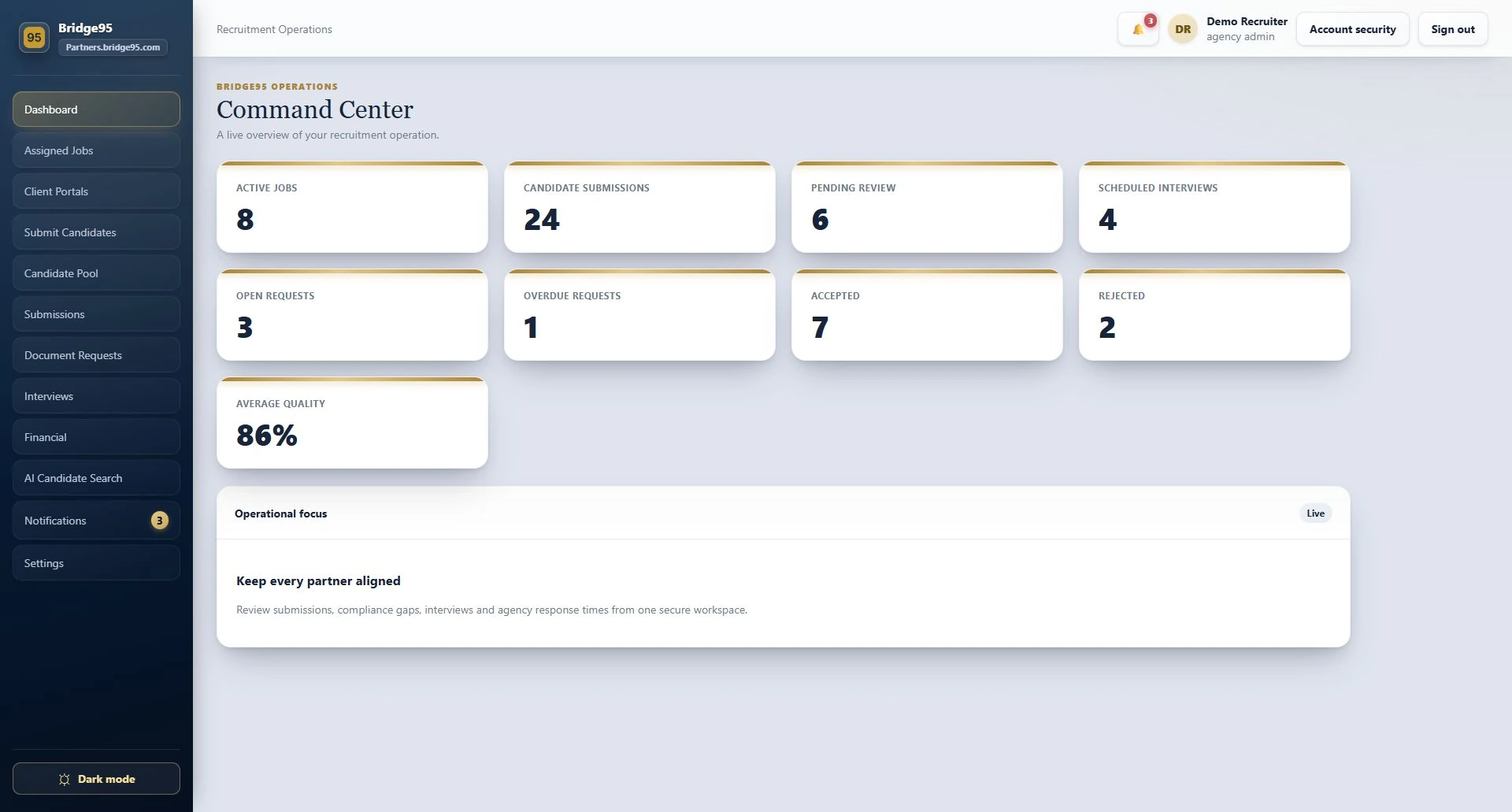
From the first screen to the final handover, your partner workspace can be tailored to your organization. We start with how your teams work, then agree the configuration and any custom development.
Client-branded portals, colors, welcome messages and the language your hiring teams and agencies use every day.
Define the recruitment journey, agency handovers, review steps and visibility for each role. Adapt stages and approval rules to your operation.
Tailor job fields, document checklists, interview arrangements, request deadlines and escalation timing to the work you manage.
Agree which events should create a request, notify an owner or exchange data with another system. More specific needs can be developed as part of the implementation.
Personalization can include configuration and bespoke development. We confirm the scope, permissions, integrations and acceptance checks together before implementation.
Reduce the follow-ups your team has to remember. Define the trigger, the action and the responsible person, with timing aligned to your process.
Check the documents required for the role and create a request for outstanding files. The agency sees what is needed, the deadline and the response status.
Bring stalled submissions and overdue requests back to the right person, so the next action stays visible.
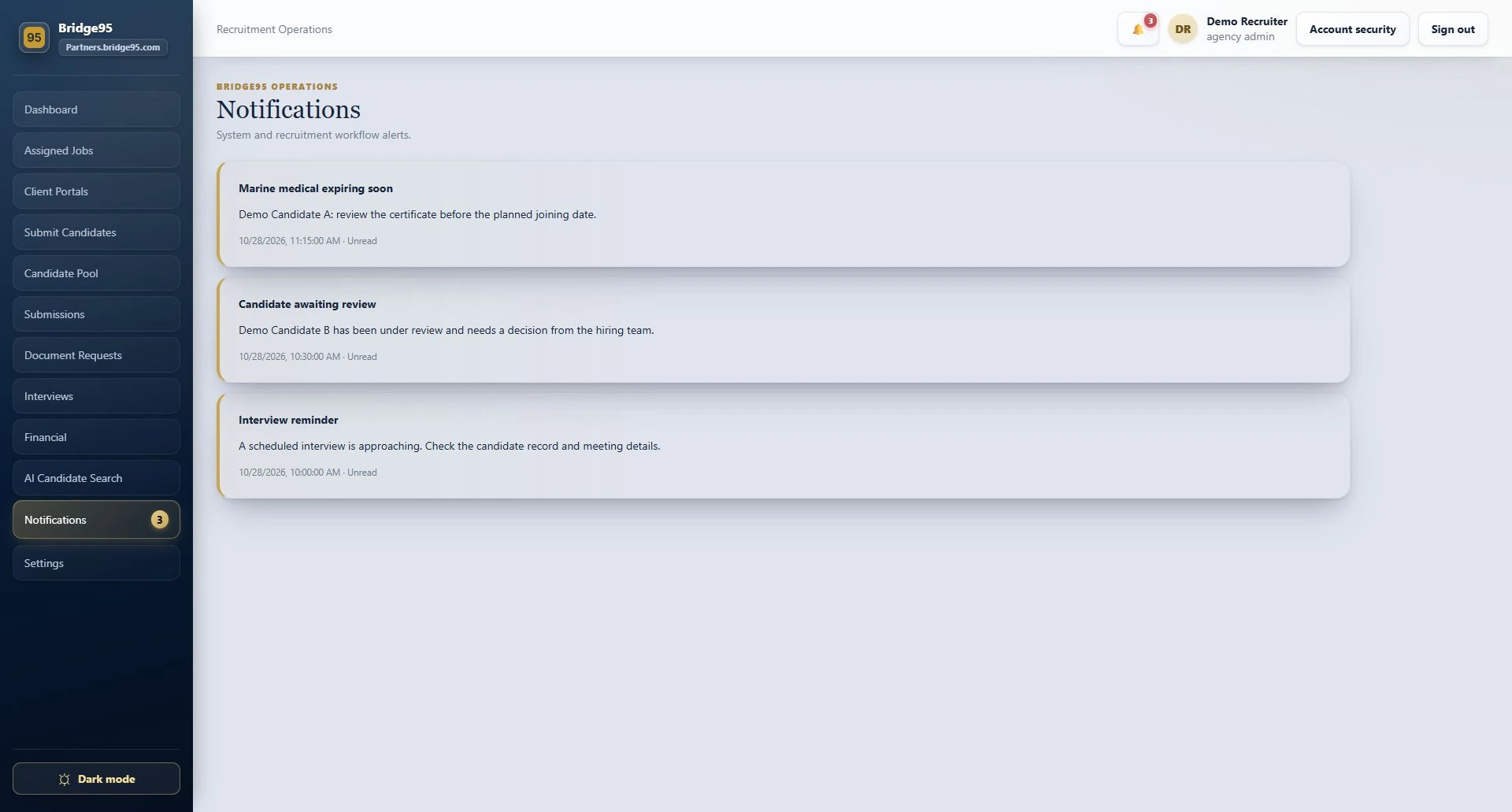
Use interview reminders, document-expiry alerts and joining-date follow-ups to prepare the next handover.
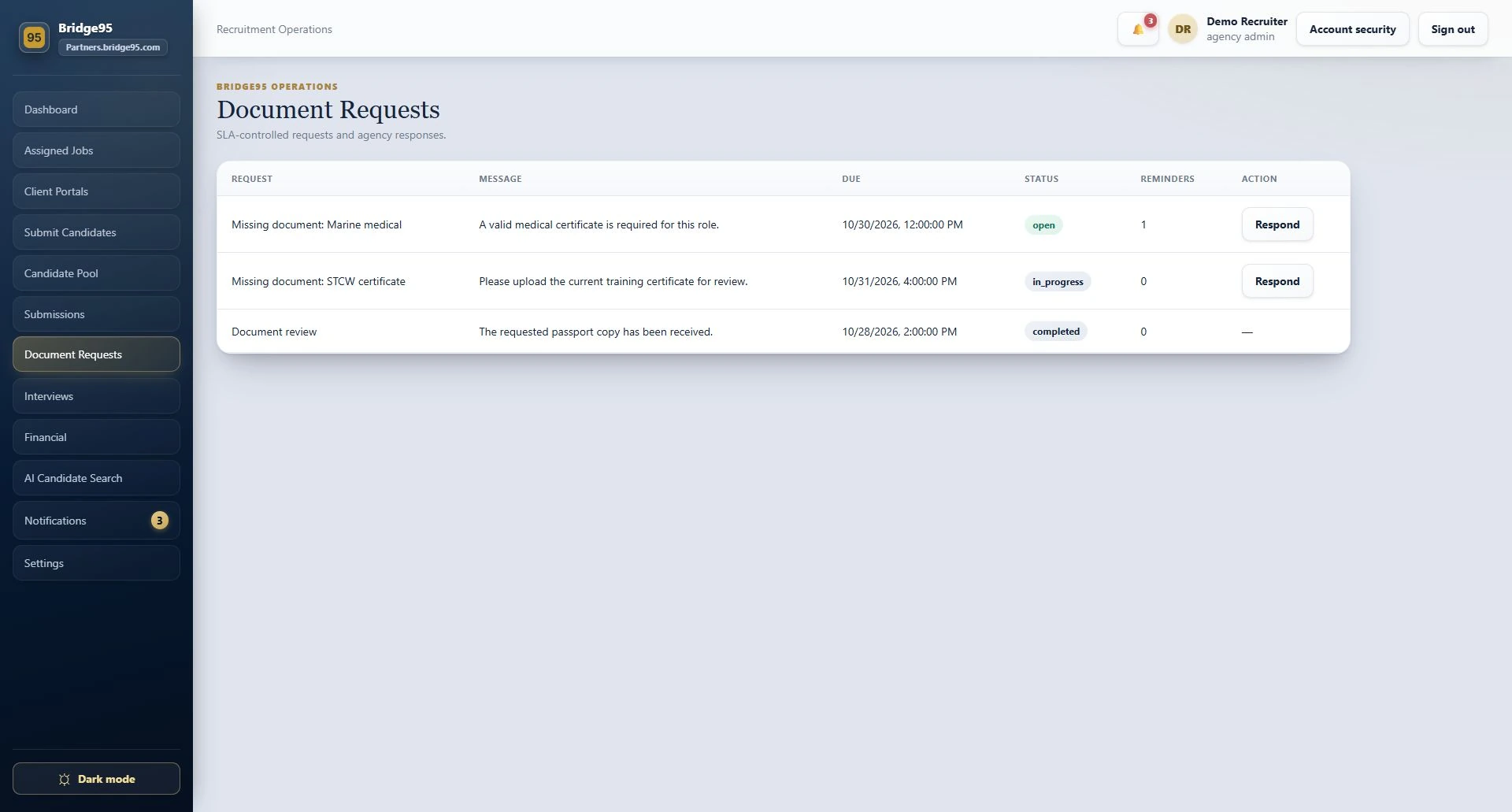
Keep operational alerts inside the workspace and support email notifications for relevant workflow events. Route attention by responsibility, with notification preferences and escalation needs discussed during setup.
Explain what changed or what is missing, keeping the notification connected to the recruitment work.
Keep client and agency responsibilities clear, with access and visibility based on the user's role.
Agree event types, recipients, message wording and reminder timing. Additional channels can be scoped when you need them.
Bring meeting coordination, email and recruitment data into a joined-up workflow. Each connection is configured for your accounts, access rules and intended use.
Support meeting integrations for interview coordination. Provider accounts, authorization and connection testing are part of the integration setup.
Connect workflow events to relevant email updates, alongside the in-app notification center. Align messages and recipients with your operating process.
Need another ATS, CRM or reporting system connected? We scope the data, available APIs, permissions and sync rules, then agree the integration work for your setup.
Teams and Zoom require provider configuration and authorization. Additional integrations are assessed and developed to the agreed scope.
Hiring Partners is the Bridge95 partner workspace at partners.bridge95.com. It connects hiring teams and recruitment agencies around jobs, candidate submissions, interviews, document requests and operational updates.
Yes. Branding, terminology, roles, recruitment workflows, requirements, notifications, automations and integrations can be tailored. We agree which needs are handled by configuration and which require custom development.
Examples include requests for missing documents, reminders for submissions awaiting review, document-expiry alerts and interview or joining-date follow-ups. The rules, recipients and timing are agreed for your deployment.
The platform supports configured Teams and Zoom meeting integrations and email notifications. Connections to other ATS, CRM or reporting tools are assessed against their available APIs and developed to an agreed scope.
No. They show the partner interface in a demonstration environment with fictional records and illustrative figures. The visible modules and permissions depend on the user's role and the agreed setup.
We will explore how your workflows, automations, notifications and integrations can work together in a personalized partner workspace.